
The teleprompter that follows your voice
Read your script out loud and Linewise scrolls with you. No speed to set, no remote to hold.
 Free to try. iPhone and iPad.
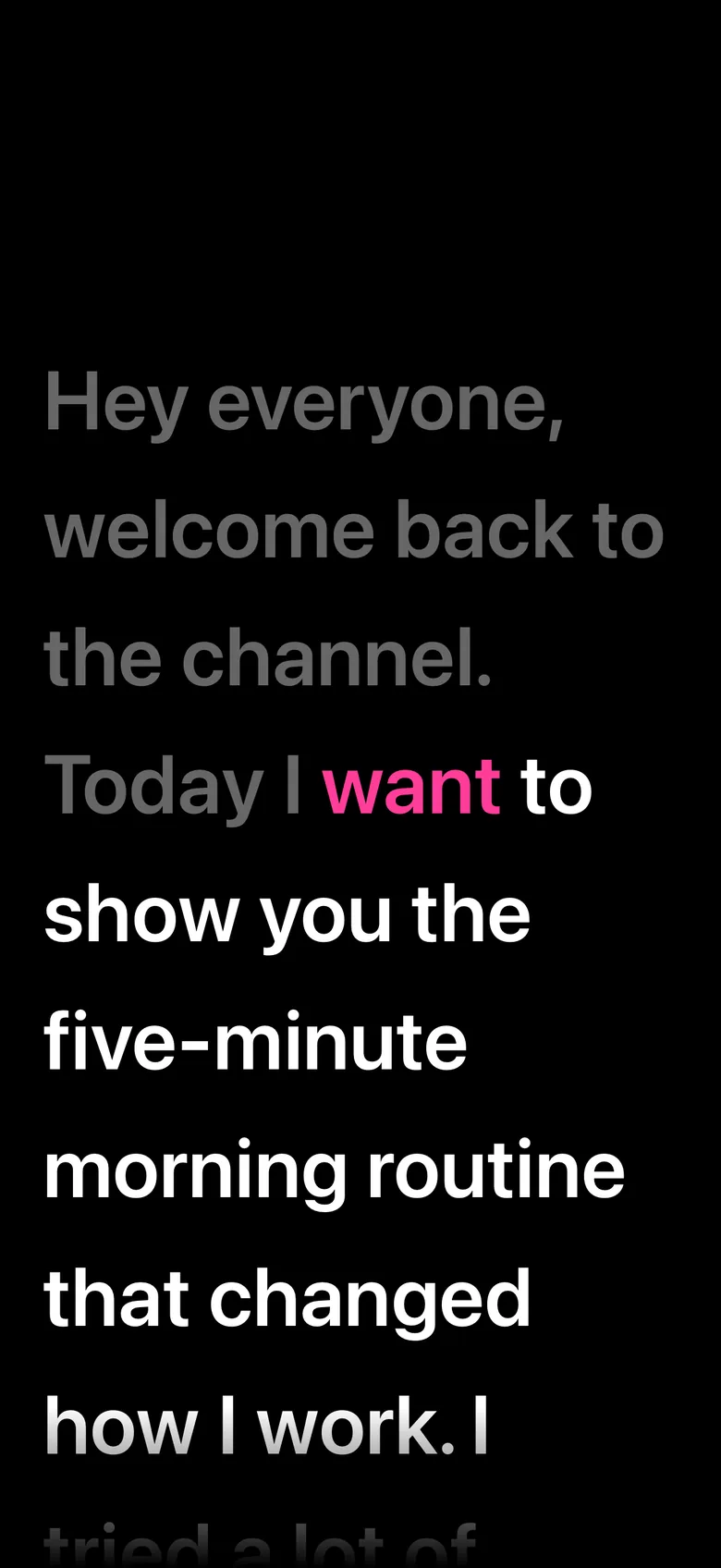
Your script at eye level, in one take.
Paste a script, press start and talk. The word you're on turns pink, the lines you've read fade back, and the next line waits where your eyes already are.
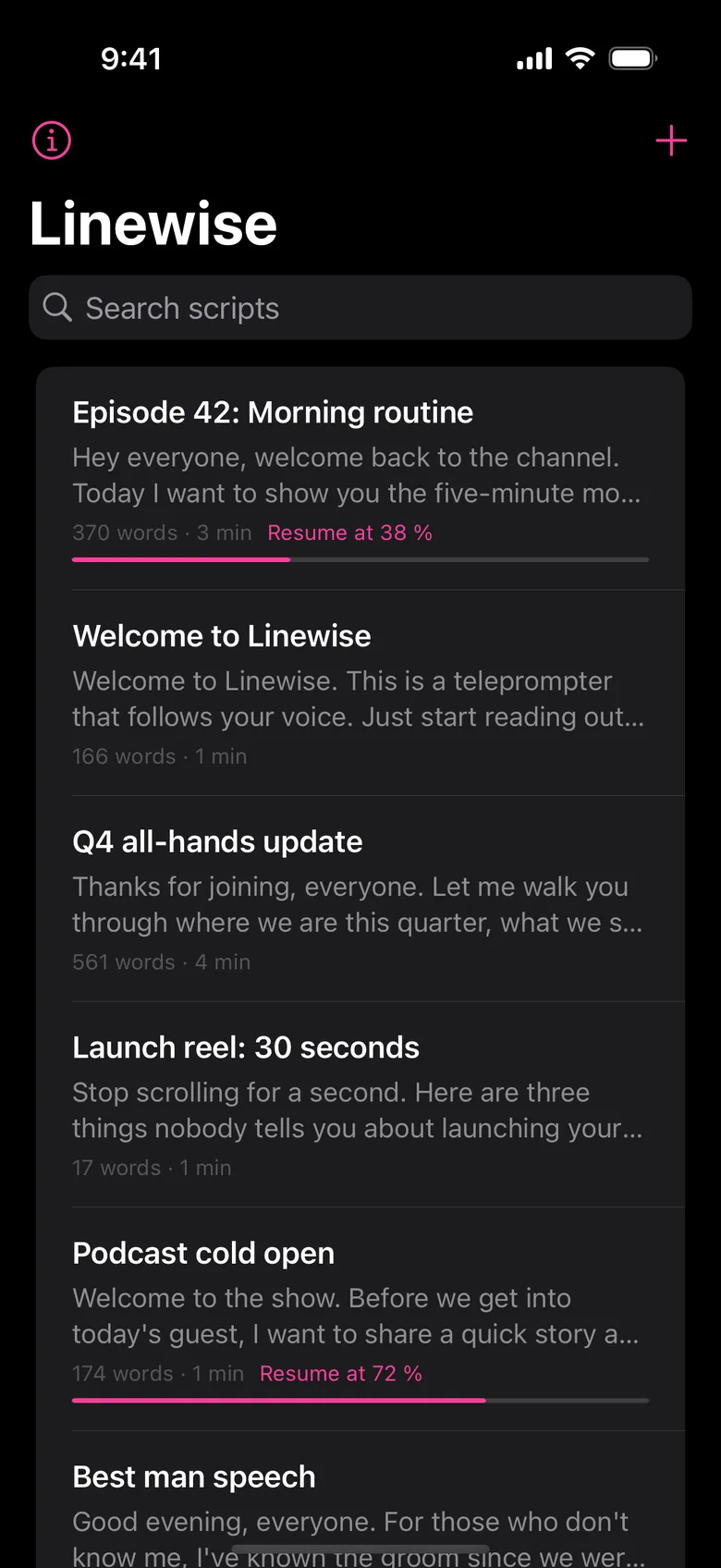
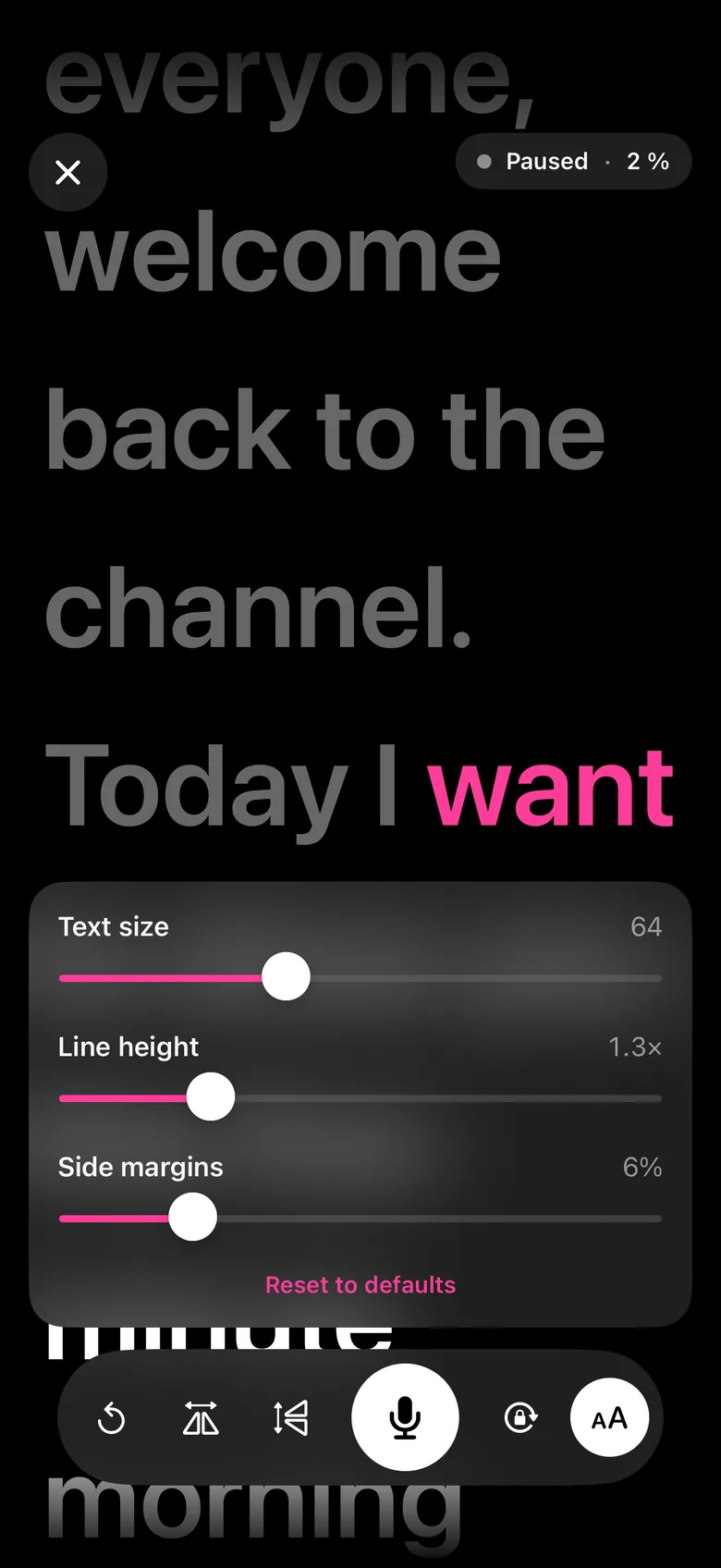
Real screens from the app.
Pause. Skip. Go back. It keeps up.
Stop to think, ad-lib a line or jump a sentence. Linewise finds your place again and keeps the next word at eye level.
- Tap the screen to show the controls
- Skip a line or go back with one tap
- Every script resumes where you stopped
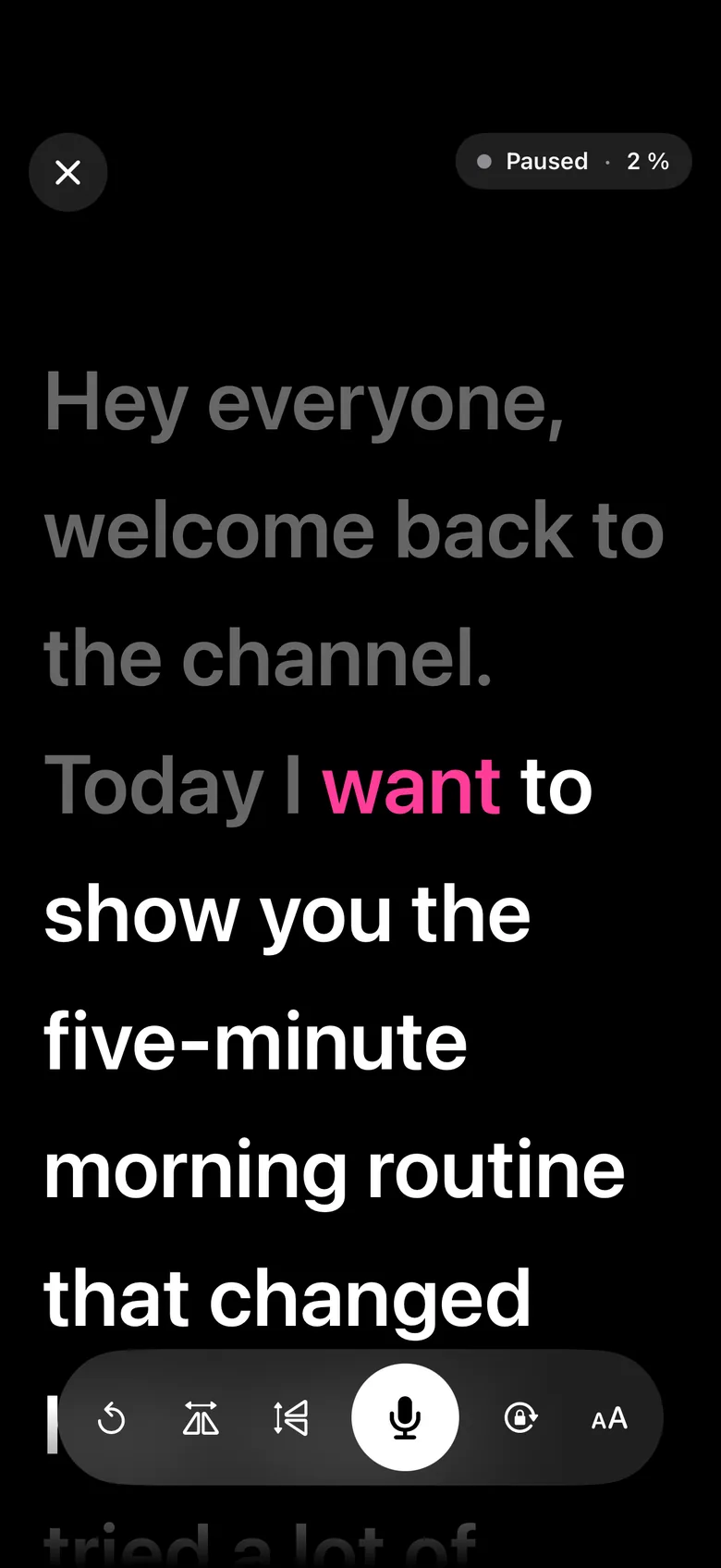

Built for teleprompter glass.
Flip the text left to right or top to bottom in one tap. Lock landscape and put your iPhone in a rig or on a tripod.
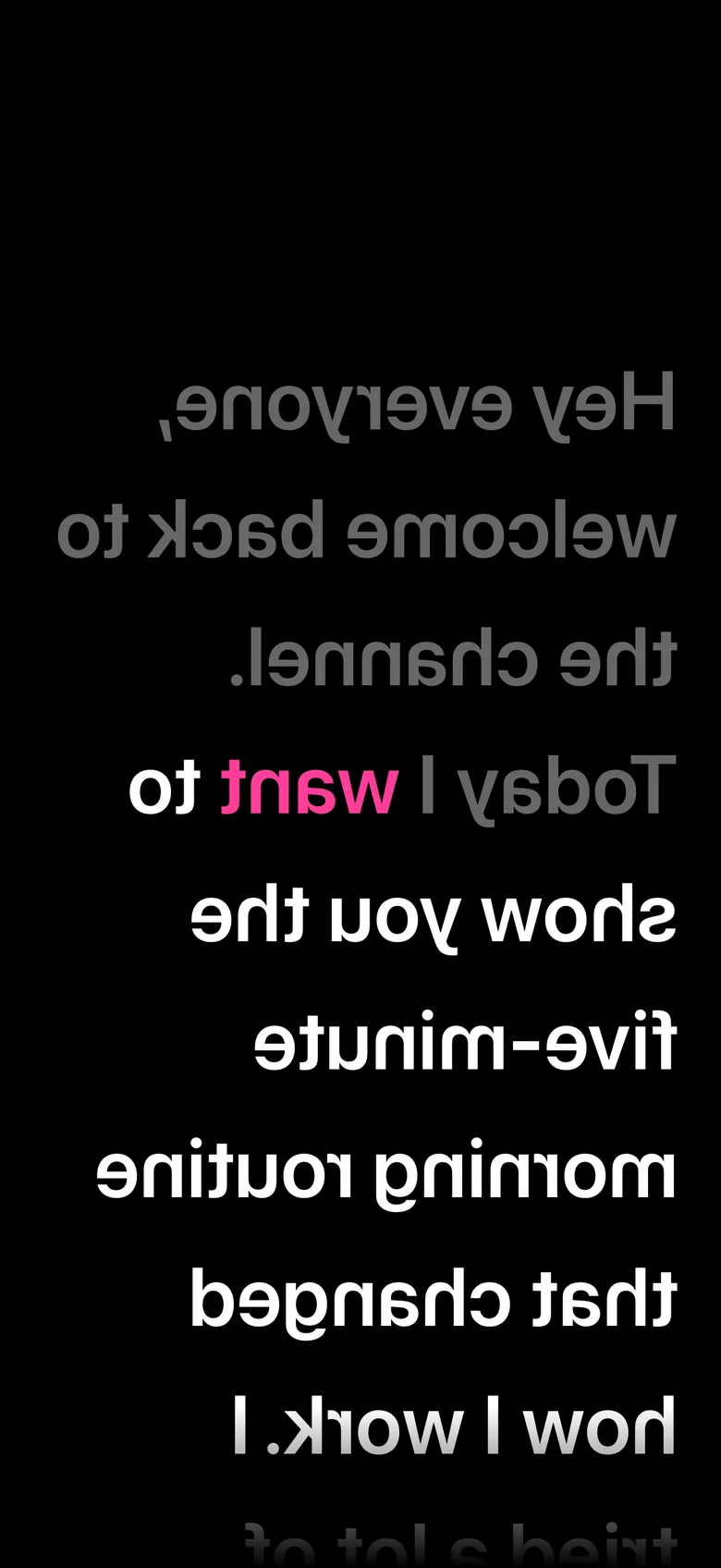
Readable from across the room.
Change text size, line height and margins while you read. On iPad the words get big enough to read from the other side of the studio.
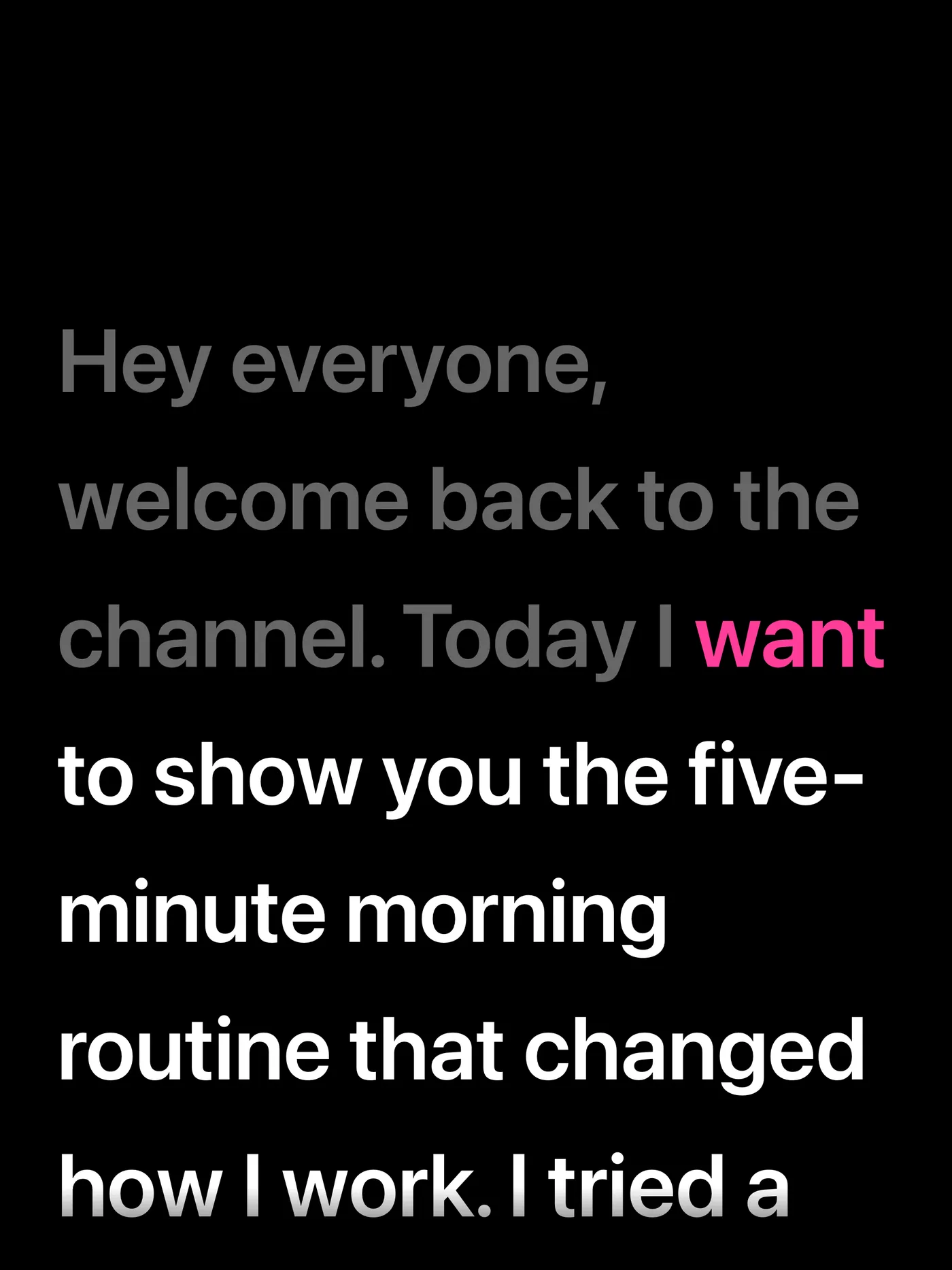
Any script. Any length.
Type it, paste it or import .txt and Markdown files. Reels, podcasts, lessons, toasts and all-hands. Your library stays on your device.
Your words stay on your phone.
Speech recognised on device
Audio never leaves your iPhone or iPad.
Never recorded or stored
It listens only while the prompter is open.
No account, no tracking
Open it and start reading.
Free to try. Every day.
Use the prompter for 5 minutes a day with scripts of any length. When you want unlimited time, go Pro inside the app.
Questions
Do I need to set a scroll speed?
No. Linewise listens as you read and moves the text with you. If you pause, it waits. You can still scroll by hand at any time.
Is my voice recorded or uploaded?
No. Speech is recognised on your device while the prompter is open. Audio is never recorded, stored or sent anywhere. Read the privacy policy.
What do I get for free?
5 minutes of prompter time every day, with scripts of any length. Linewise Pro removes the daily limit.
Does it work with teleprompter glass?
Yes. Mirror the text left to right or top to bottom, and lock landscape for a rig or tripod.
Which languages does it support?
Voice-follow reads English scripts and needs a device that supports on-device speech recognition. Linewise tells you if yours doesn't, and you can still scroll by hand.
Do I need an account?
No. There's no sign-up. Your scripts stay on your device.